01
Drop any video
Import from your gallery or pick a file. MP4, MOV and more — the duration doesn't matter.
 AI Video Translator
Get the App
AI Video Translator
Get the App
Translate, dub and subtitle any video with natural AI voices. A full canvas editor with scroll & loop title animations — all in one app.
Free forever · supported by ads · App Store coming soon
Import from your gallery or pick a file. MP4, MOV and more — the duration doesn't matter.
Speech is recognized, translated into 133 languages and spoken back in a natural voice — synced to the frame.
Tune the canvas, add animated titles, then export in one tap — straight to your gallery, ready to post.
Edge neural voices read your translation with personality — not robotic monotone. Pitch and speed follow the original.
Word-accurate captions with stroke, bold, italic and color controls. Chosen font, sized to your brand.
Per-segment timing keeps speech and captions humming along your timeline. Drag a block — everything shifts with it.
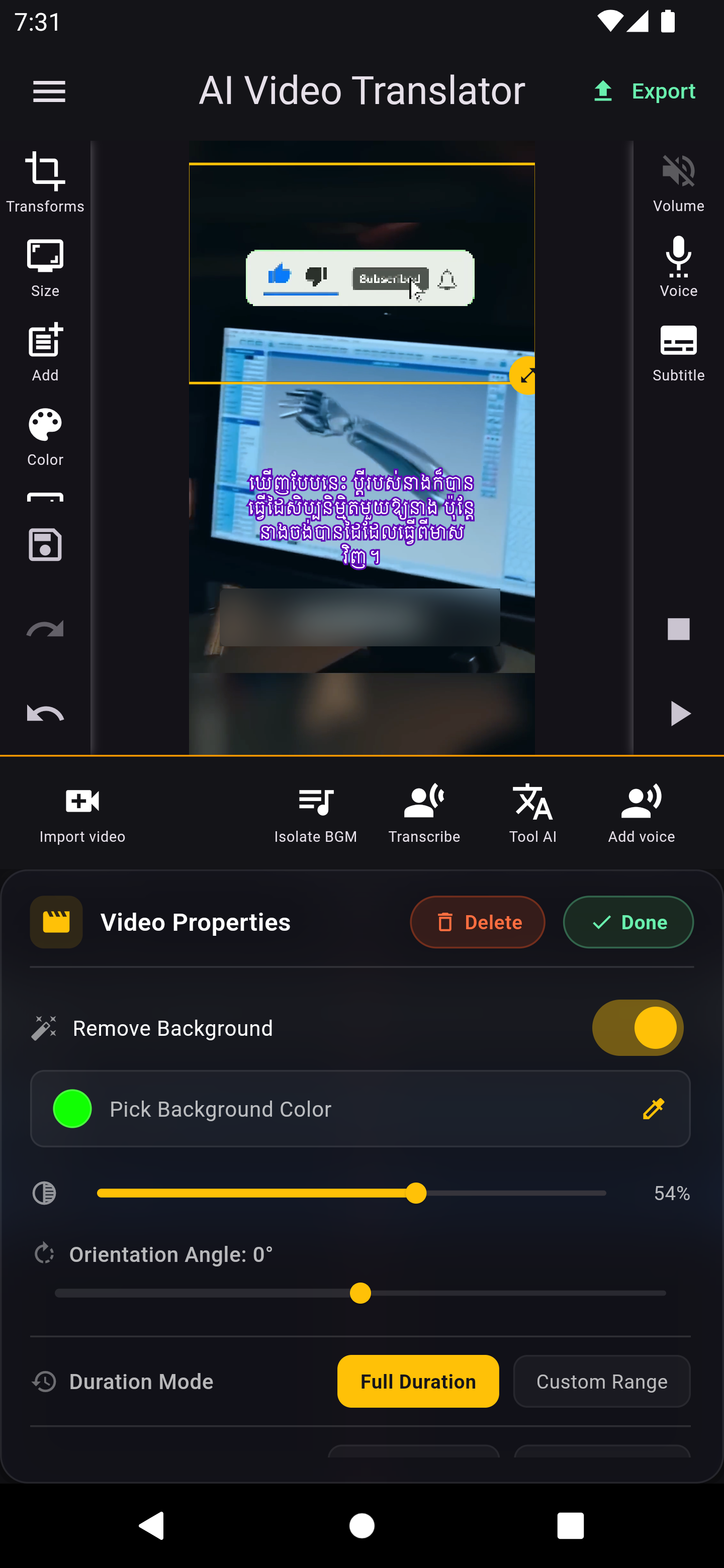
Text, image and video layers with opacity, rotation, corner radius, z-order and chroma key. A mini motion design studio in your pocket.
Scroll titles left→right, right→left, up→down or down→up — at any speed, with optional loop. Previewed live, rendered perfectly.
FFmpeg-powered render with dubbing mixed in, burned subtitles and animated overlays baked into the final movie.
Every translated segment becomes a moment you control. Place text anywhere, drop images on top of the picture, layer your favorite clip — the playhead previews exactly what your audience will see.
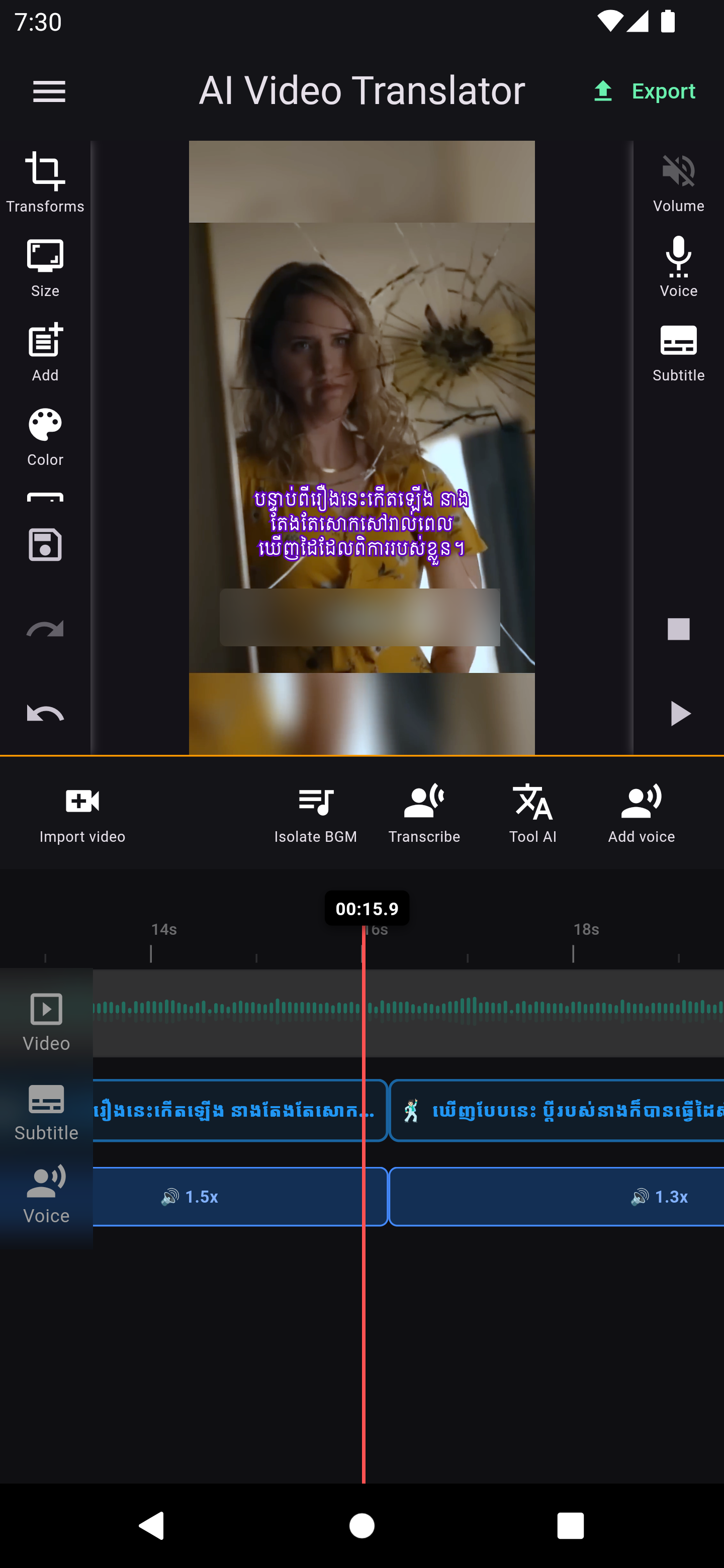
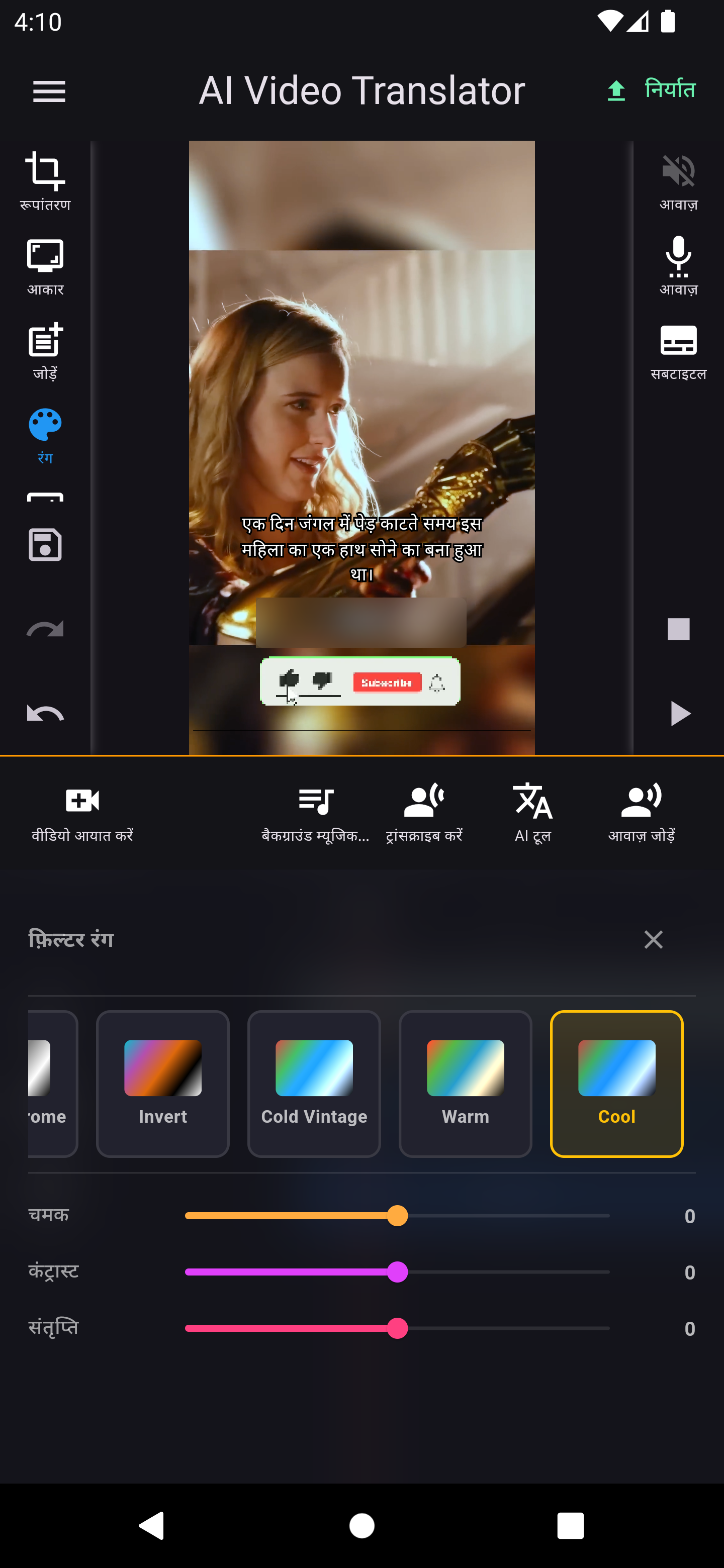
Real screens from the translator — language, editor and timeline in your pocket.
No subscription, no paywall. The app is free — just support it by watching a short ad now and then.
The whole translator, in your pocket.
Supported by ads — a short ad keeps the magic running.
Get it on Google Play App Store · coming soonFree, forever. Supported by a quick ad — translate your first video in under a minute.
Apple App Store — coming soon